Pair once
Scan a QR code. Seconds, and you never do it again.
 FlowBell™
Download
FlowBell™
Download
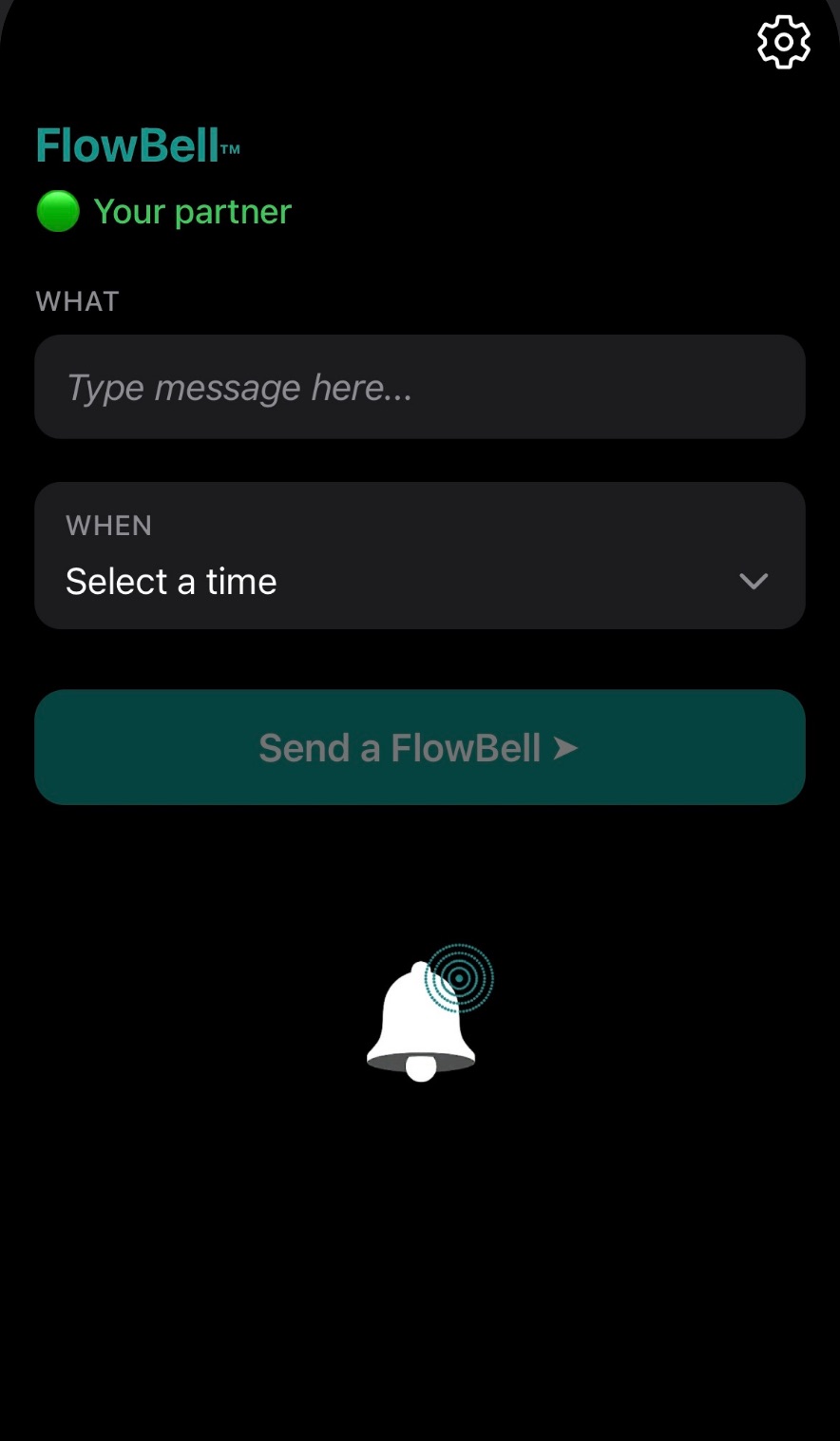
You set it, it rings on their iPhone.
You set it ↗️
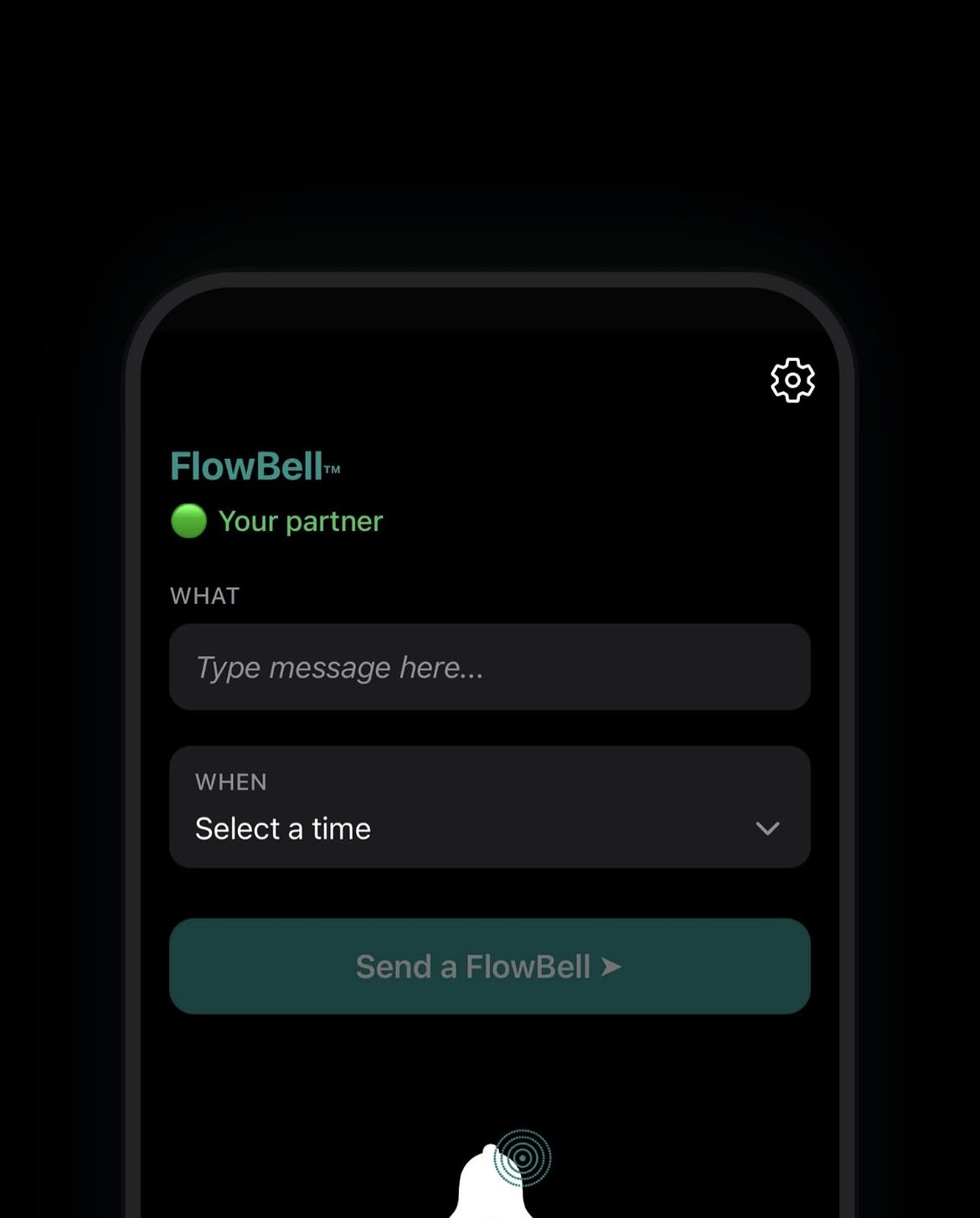
It rings on their iPhone ↙️
First send free · Always free to receive · £2.99 per pairing
Sent from one phone. Rings on the other.
⏰ Take the baby's food out the oven
17:10
FlowBell
Scan a QR code. Seconds, and you never do it again.
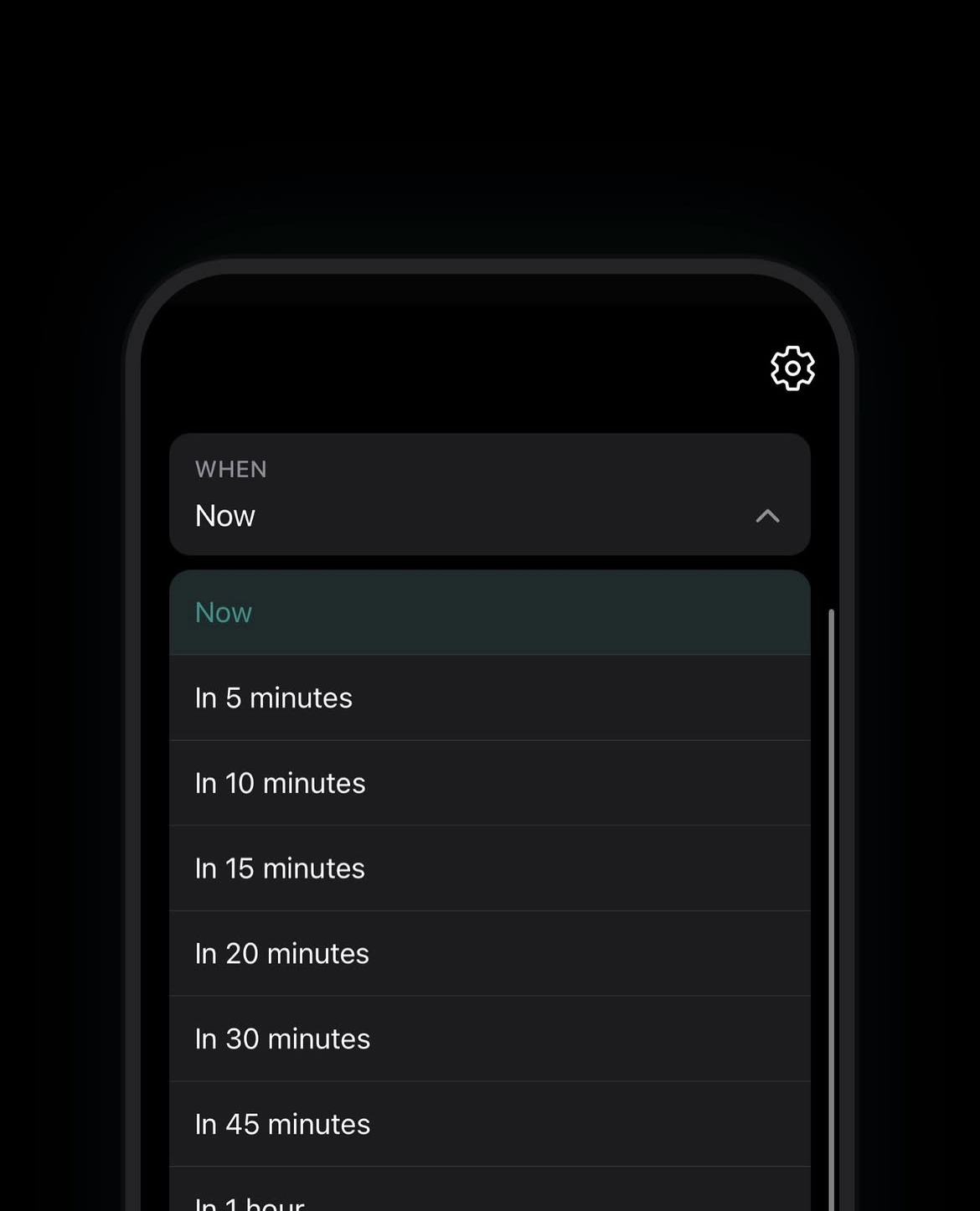
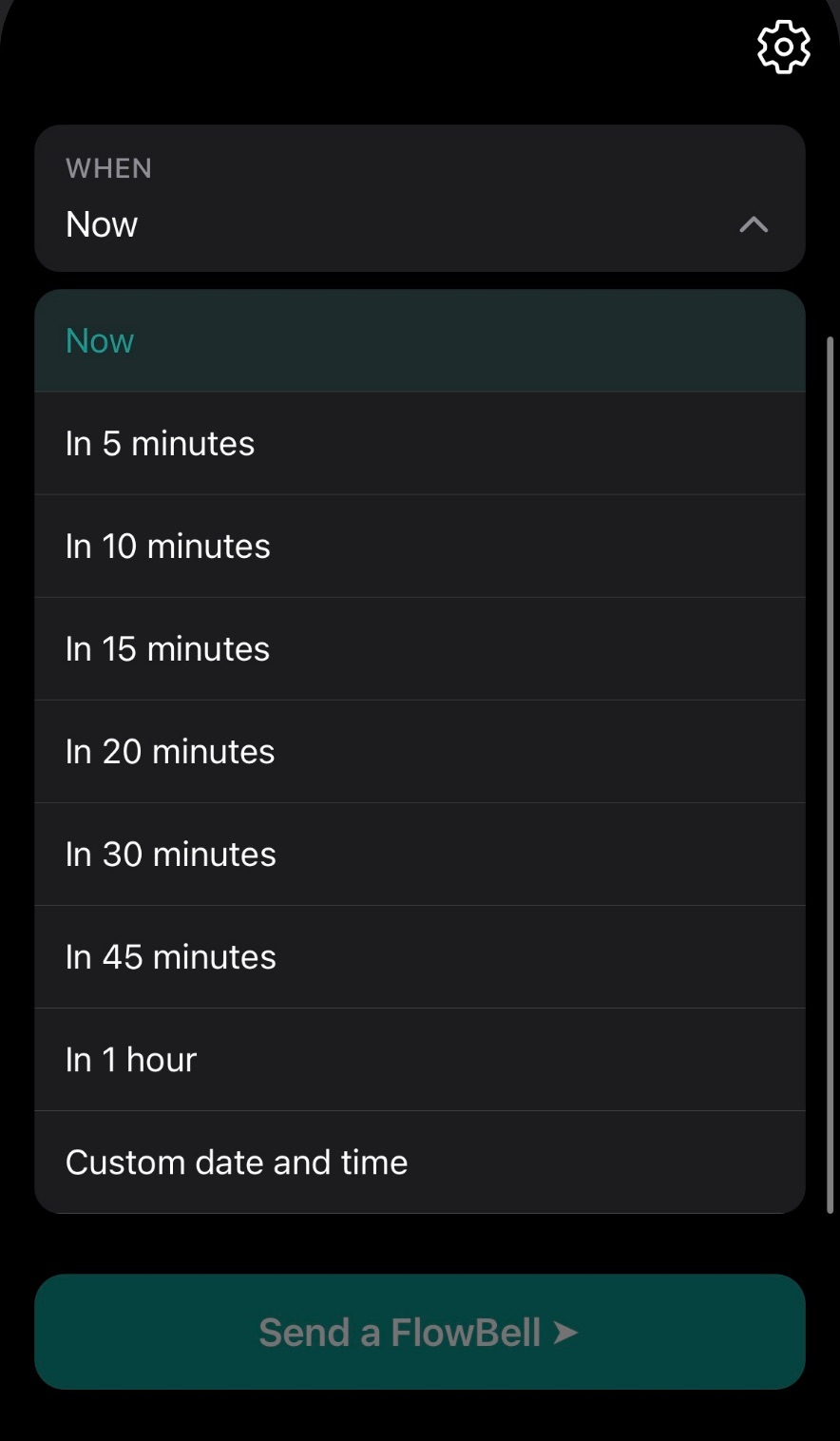
A message and a moment. Now, in 20 minutes, or a custom time.
A real alarm at exactly that moment. Even on silent.
Before FlowBell
2 breaks one now, one when it's due
After FlowBell
1 break nothing to set, nothing to recall
50% fewer interruptions.
Why should communication for one task require two breaks in concentration?
A wife sets a FlowBell on her husband's phone: take the baby's food out of the oven. He's deep in work. It still rings.
A parent sets a FlowBell on their child's phone: we're leaving. No knocking, no shouting.
A mother sets five FlowBells on the Nanny's phone throughout the day to complete the relevant tasks.
A real alarm on their phone — not another notification competing for attention.
Silent mode on — FlowBell still rings (Wi-Fi only)
On the same Wi-Fi network, FlowBell fires as a real alarm through silent mode. On mobile data or a different network it delivers as a scheduled notification, which may not bypass silent mode. We'd rather tell you that upfront than oversell it.
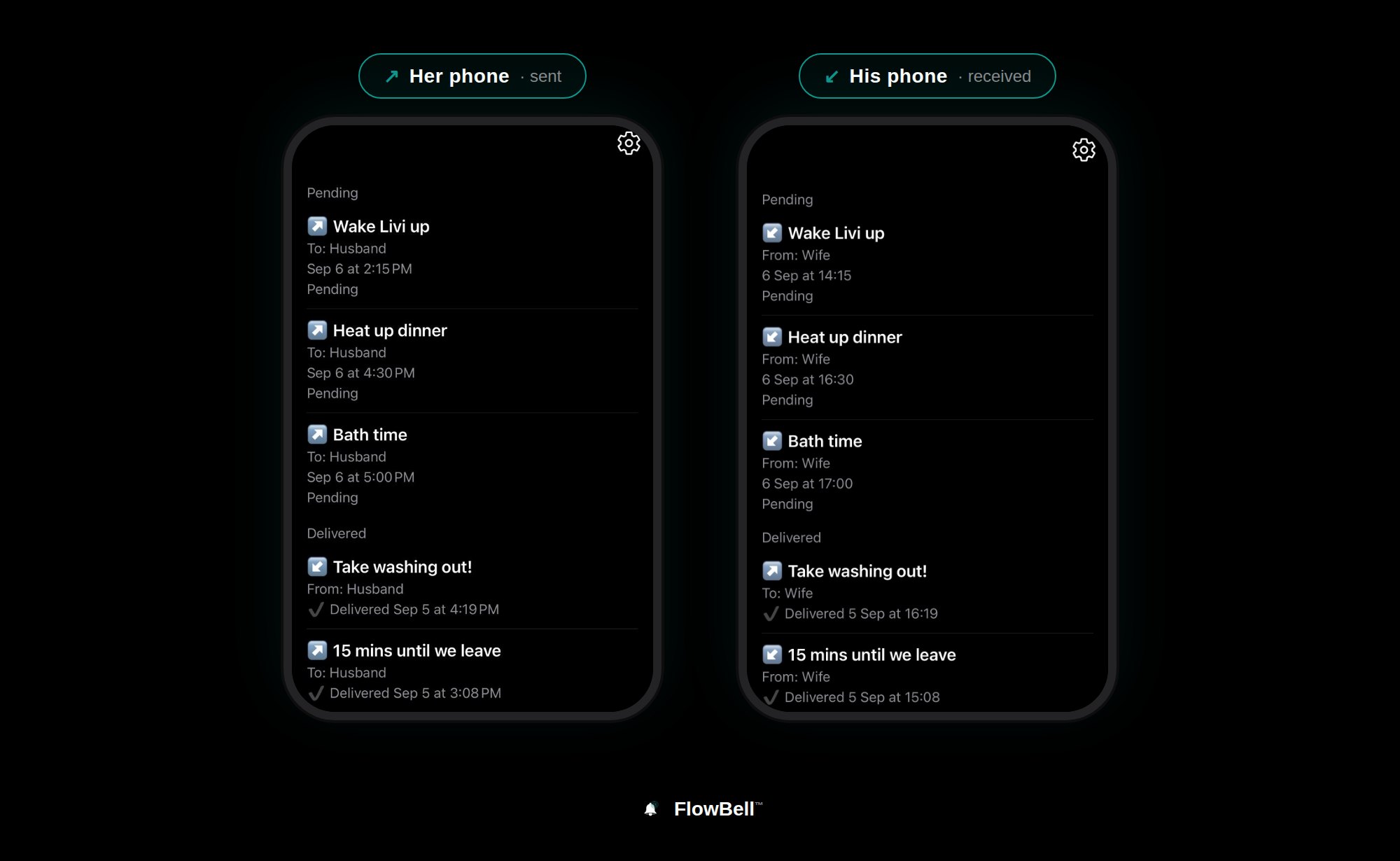
No contacts stored. Once a FlowBell has been delivered, it's disposed of like a digital sticky note. We don't keep it, and we don't want it.
£2.99
one-time fee per pairing. No subscription, ever.
Send a FlowBell.
Download on the App StoreOpen FlowBell on both phones and accept every permission when prompted, including local network access — that's how the two phones connect when you're in range. Tap Pair, scan the QR code, and you're done. You only do this once.
🟢 Loud notification via same Wi-Fi — a real alarm through silent mode.
⚪️ Silent notification when apart — a scheduled notification, which may not bypass silent mode.
⚫ Partner unreachable — we can't reach their phone right now.
An alarm app can't be set by another person. A messaging app can't ring through silent mode. Only FlowBell does both: you send the signal, their phone rings at exactly the moment it matters.
Some corporate or restricted networks block the connection. Switch to mobile data and try again.
No. It's a supplement, for the planned intentional signal. For urgent messages, call directly.